


Avoid the Canva Cringe at the Printer
 |
Yes, Canva is Popular |
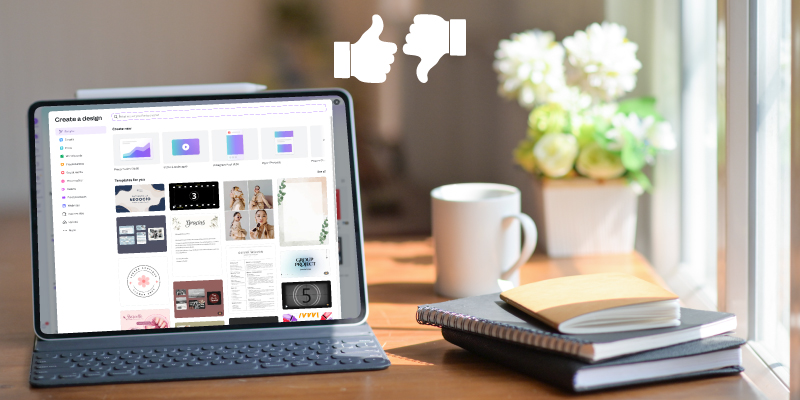
And rightfully so. It's easily accessible and inspires DIY designers with a user-friendly, drag-and-drop interface. It also provides premade templates and all the ready to use colors, backgrounds, images, fonts and stickers you could possibly desire. As far as work projects are concerned, Canva is one of the more exciting tasks to tackle on your to-do list, right? Canva is best suited for small business owners, entrepreneurs and digital marketers who are in need quick visual aesthetics. The type of situation, where a design is better than no design at all. Plus with little to no design experience, you can create graphics that are sure to make your mama (and you) proud. |
| Unpopular Opinion |
We're here to tell you, Canva is not the right tool for every situation.There's a genuine reason why design and print professionals often cringe at the word, Canva. Contrary to popular belief, the Canva Cringe doesn't happen because professionals are conceded or just want more money. The cringe happens because Canva users are, more often than not, unfamiliar with artwork requirements and often unwilling to splurge for the paid subscription. Yes, the design is important, but its only a part of the whole process. In order for a commercial printer to successfully produce clear image files, you must do your part to properly prepare your Canva generated file. This setup commonly includes adding crop marks, bleeds, margins or some combination there of dependent upon your print provider's requirements. You should also note, that not all file types are capable of producing high-quality outcomes. Most Canva file types are wonderful for web and digital use, but printing them can be a different story. So be sure to consider the type of file extension when you're downloading and saving designs. Typically, pdf print files produce the best results in the printing process. |
| 'Garbage in Equals Garbage out' |
As harsh as it sounds, designers commonly use this phrase to demonstrate a very valid point. Which actually has nothing to do with the design aspect and everything to do with the properties of the file. Understand that low quality or improperly prepared artwork cannot later be improved at the printer or anywhere else for that matter. Quality begins with the original source file and and must be maintained throughout the lifespan of the design. If you're interested in learning more about file quality, < we've got just the read
for you.
|
| Flash Back to Canva |
Of course, there's really no substitute for a quality professional, robust design software and/or an educated, experienced design professional. However, Canva can be quite effective at fulfilling sophisticated visual material needs. If you're marketing minded, Canva can be an excellent tool for social media, websites, presentations and yes, even some small scale print materials. If you make the decision to use Canva for a quality production method, please do your commercial printer a favor and properly prepare your files. Do your part to give your creations the best chance at surviving by simply following the Canva instruction links below: |
Overall, Canva is a remarkable tool that has increased the ability for small businesses and entrepreneurs to have a visual presence. It has expanded creativity and enhanced delivery of targeted messages to potential customers. There should really be, no shame in your Canva game. But avoid the Canva Cringe on your next print project, by properly preparing your Canva file for high-quality print. Your printer will appreciate the effort you've made to ensure your final product is just as wonderful as you intended. |

 Annnnd... We're LIVE! Explore our new website