

Large Format Setup
 | 1. FILE DIMENSIONS: ACTUAL SIZE, NO SCALING | |
| 2. BLEEDS: NONE Are not necessary for large format printing projects. | |
| 3. SAFETY: 1/2" (2" FOR BANNERS) Do not include important text or images in the Safe Zone (the space 1/2-inch from the final trimmed size). The 2" safe zone on banners allows for grommet placement every 2'-3' across the top and bottom. Critical information placed in the safety area risks being cut off when your printed document is trimmed down to size. | |
| 4. COLOR: CMYK ONLY ONLY use CMYK color profiles. We do not convert or print RGB, 5th, Spot or Pantone color files. While you can use C0, M0, Y0, K100 - it typically yields a very dark grey, not the rich black expected. For Rich Black please use: C60, M40, Y40, K100 | |
| 5. FILE FORMAT: FLATTENED PDF Flattened (single page) PDF files are preferred, files should be less than 300 mb for upload. | |
| 6. IMAGES: EMBEDDED, 150 DPI Must be embedded and saved at 150 dots per inch (DPI) at its final output size. Resolutions greater than 150 dpi are acceptable, but do not necessarily improve print quality. | |
| 7. FLATTEN ARTWORK: YES All files should be saved as flattened artwork before sending to print. Flatten all objects, gradients, swatches, symbols, special effects and transparencies.If using Compound Paths to create transparencies and shapes, please completely rasterize or flatten them into the file or they risk printing incorrectly. | |
| 8. PRINTER'S MARKS: NONE Crop and bleed marks are not necessary, please do not use them. | |
| 9. FONTS: CREATE OUTLINES All fonts must be converted to outlines to avoid any default fonts or missing text. | |
| 10. TEXT: DOUBLE CHECK IT Spellcheck and proofread documents in detail before sending to print. We cannot assume responsibility for typographical errors or grammatical mistakes. | |
| 11. INDESIGN USERS: USE CAUTION Please flatten the file in Illustrator or Photoshop and export to a JPEG ONLY, as we don't recommend using Indesign for wide format printing. | |
[ Printable PDF Version ] | ||
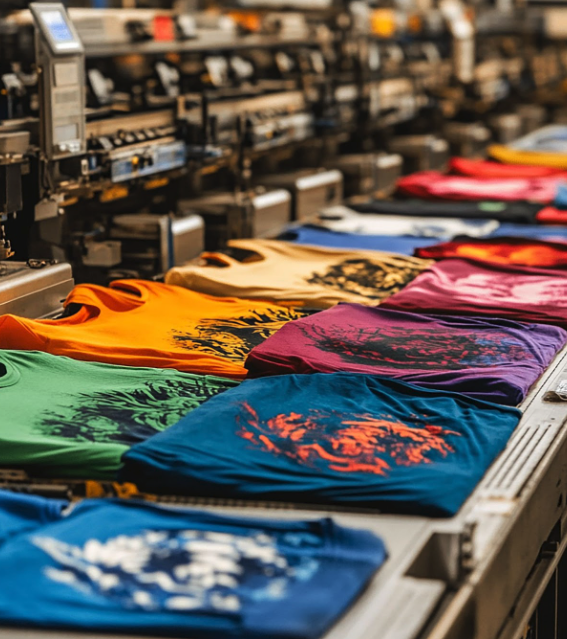
HATS / CLOTHING / FABRICSSCREEN PRINTINGA printing technique where ink is pushed through a mesh screen onto a surface, usually fabric or paper. | 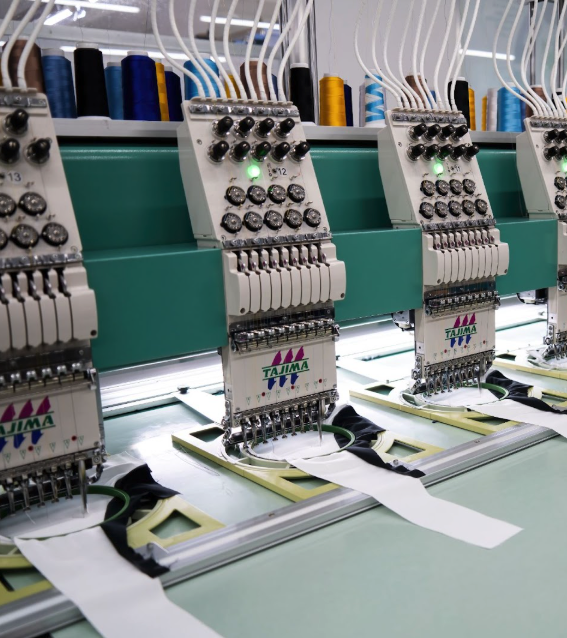
HATS / CLOTHING / FABRICSEMBROIDERYThe process of stitching designs, logos, or text onto fabrics using specialized embroidery machines. | 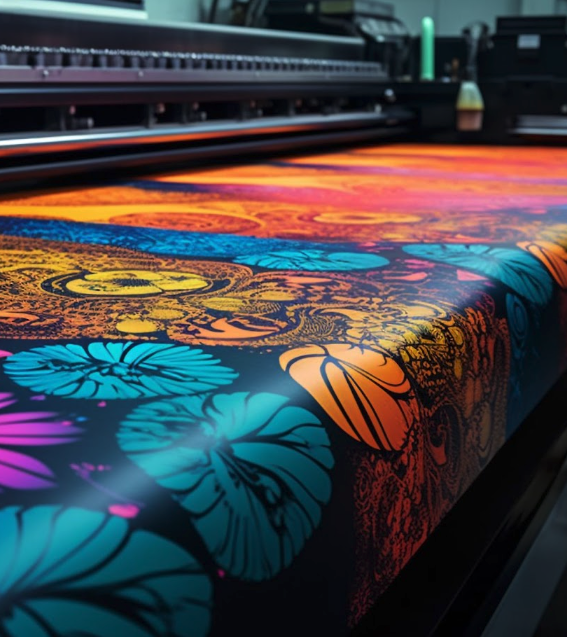
SIGNS / BANNERS / DISPLAYSLARGE FORMATRequires specialized printers and high-quality inks on materials like vinyl, paper, fabric, and more. | 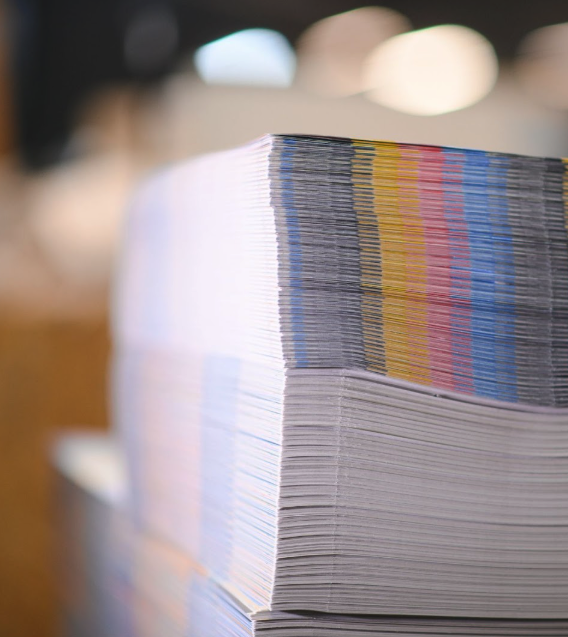
BOOKLETS / CARDS /POSTERSDIGITALThe method of high resolution printing before cutting, folding, binding or otherwise finishing. | 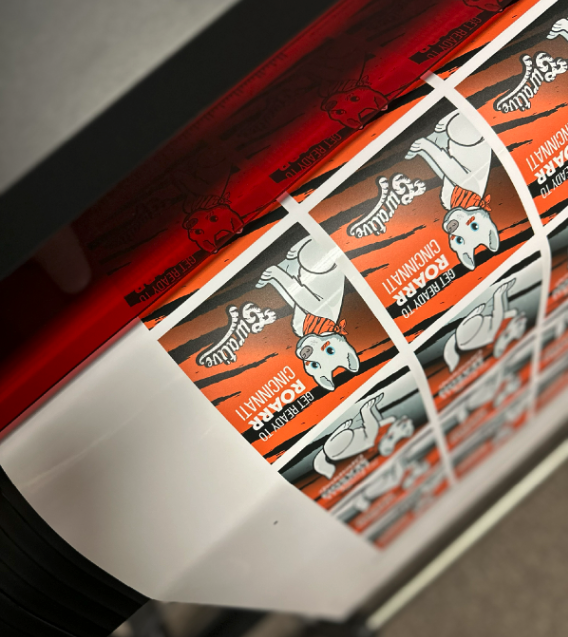
INDIVIDUAL/ SHEETS /ROLLSSTICKERSThe method of high resolution printing on adhesive materials before die cutting. |
 Annnnd... We're LIVE! Explore our new website