

Sticker & Label Setup
 | 1. BLEEDS: 1/8" | |
| 2. SAFETY:1/8" Do not include text or vital images in the Safe Zone (the space 1/8-inch from the final trimmed size). Important information in the Safety risks being cut off when your printed document is cut to size. | |
| 3. COLOR: CMYK ONLY use CMYK color profiles. We do not convert RGB or Spot color files. | |
| 4. FILE FORMAT: VECTOR PDF Vector PDF files are preferred. Also, acceptable file types are .AI, .EPS, .PNG. | |
| 5. IMAGES: EMBEDDED, 300 DPI Must be embedded and saved at a minimum 300 dots per inch (DPI) at its final output size. Resolutions greater than 300 dpi are acceptable, but do not necessarily improve print quality. | |
| 6. FLATTEN ARTWORK: YES All files should be saved as flattened artwork before adding the dieline and sending it to print. Flattening allows the file to present exactly as you intended it, void of transparency issues and other color variations while still allowing the dieline to be separately visible. | |
| 7. PRINTER'S MARKS: NONE Crop and bleed marks are not necessary, please DO NOT use them. | |
| 8. FONTS: CREATE OUTLINES All fonts must be converted to outlines to avoid any default fonts or missing text. | |
| 9. TEXT: DOUBLE CHECK IT Spellcheck and proofread documents in detail before sending to print. We cannot assume responsibility for typographical errors or grammatical mistakes. | |
| 10. OVERPRINT: TURN IT OFF Overprint is primarily used to intentionally overlap inks for a number of reasons, but overprint can produce unexpected print results. We suggest turning off all overprint objects before sending files to print. | |
| 11. FOR DIELINES: 100% MAGENTA For your sticker dieline, please provide the cut path as 100% Magenta (0-100-0-0) with a stroke of .001 pts. This rule applies to standard shapes, as well as, custom dielines. | |
| 12. INDESIGN USERS: USE CAUTION Please flatten transparencies in Indesign and export pages to a PDF. Files not flattened and exported in this way, are more likely to encounter layer confusion and errors during printing. While we do not recommend Indesign for stickers we do have clients that use it to design their sticker before adding the dieline. | |
[ Printable PDF Version ] | ||
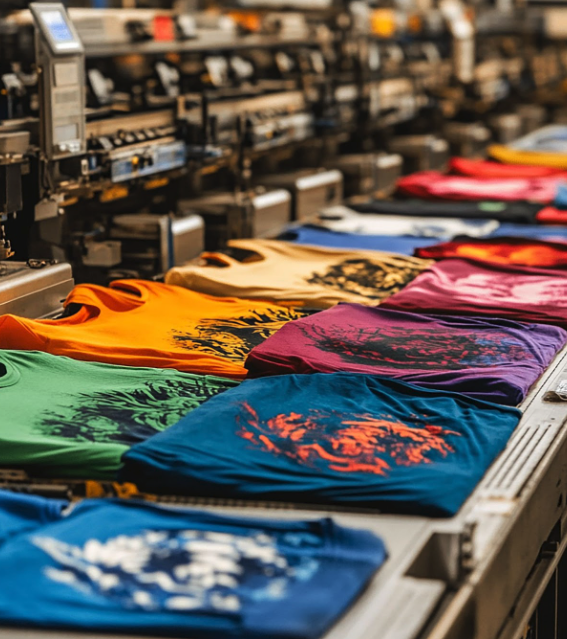
HATS / CLOTHING / FABRICSSCREEN PRINTINGA printing technique where ink is pushed through a mesh screen onto a surface, usually fabric or paper. | 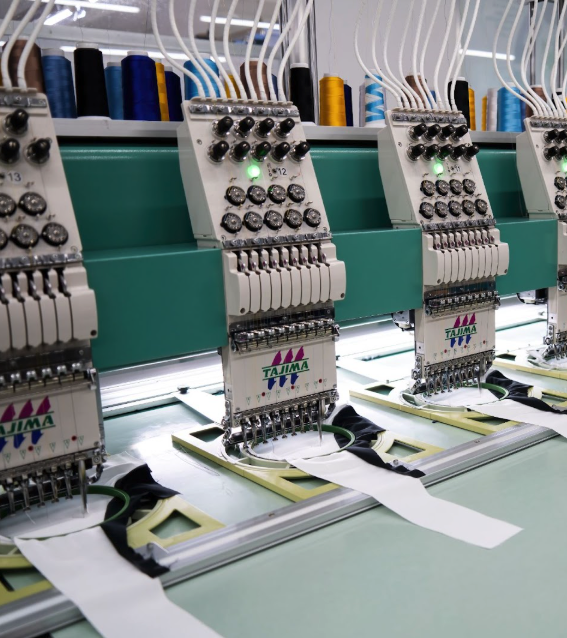
HATS / CLOTHING / FABRICSEMBROIDERYThe process of stitching designs, logos, or text onto fabrics using specialized embroidery machines. | 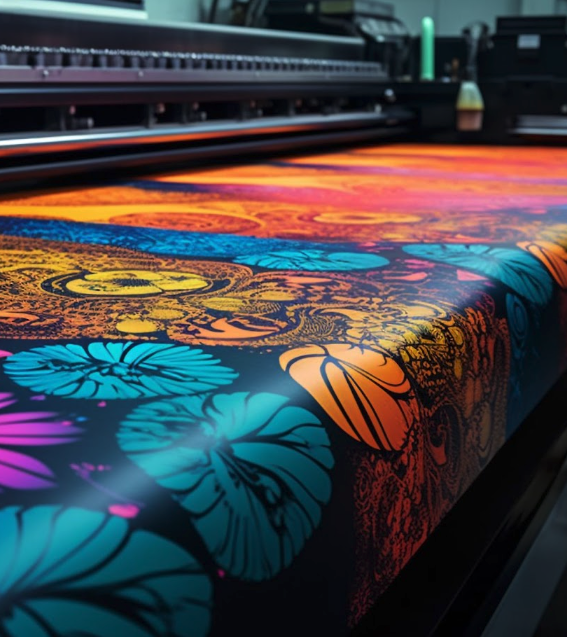
SIGNS / BANNERS / DISPLAYSLARGE FORMATRequires specialized printers and high-quality inks on materials like vinyl, paper, fabric, and more. | 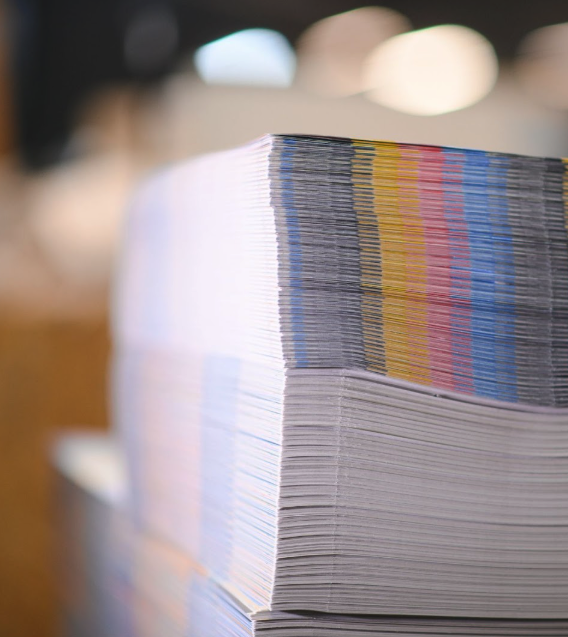
BOOKLETS / CARDS /POSTERSDIGITALThe method of high resolution printing before cutting, folding, binding or otherwise finishing. | 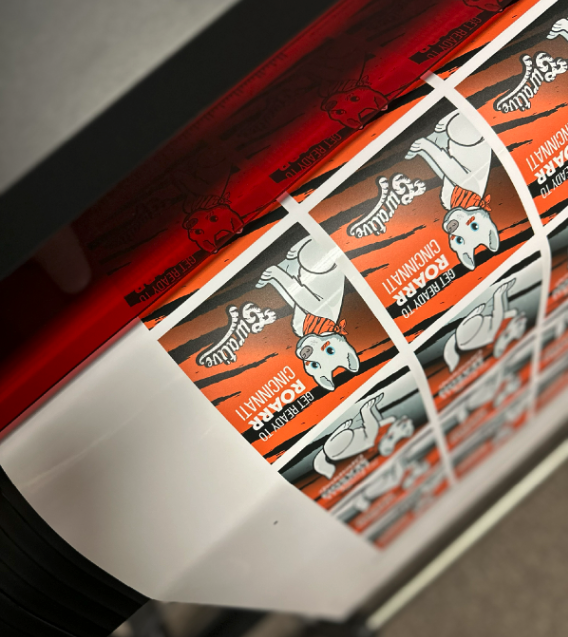
INDIVIDUAL/ SHEETS /ROLLSSTICKERSThe method of high resolution printing on adhesive materials before die cutting. |
 Annnnd... We're LIVE! Explore our new website